Selected work 02 / 09
KUBIZY

What is KUBIZY?
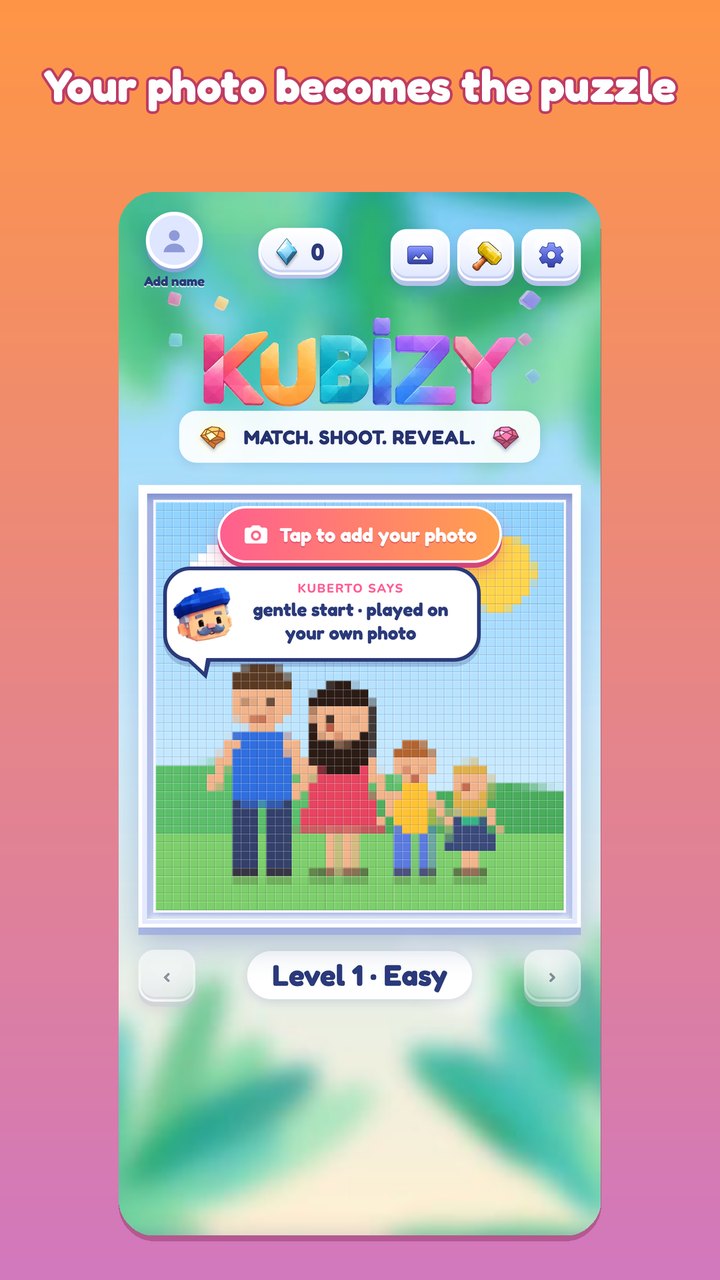
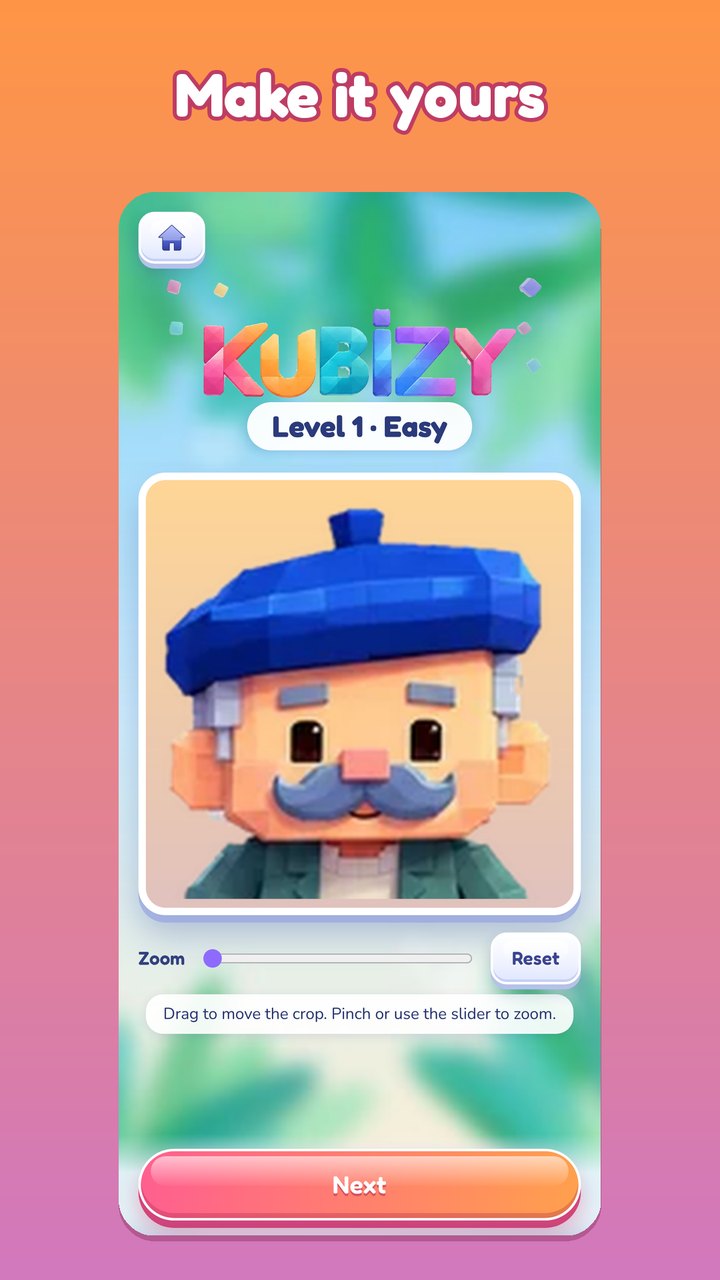
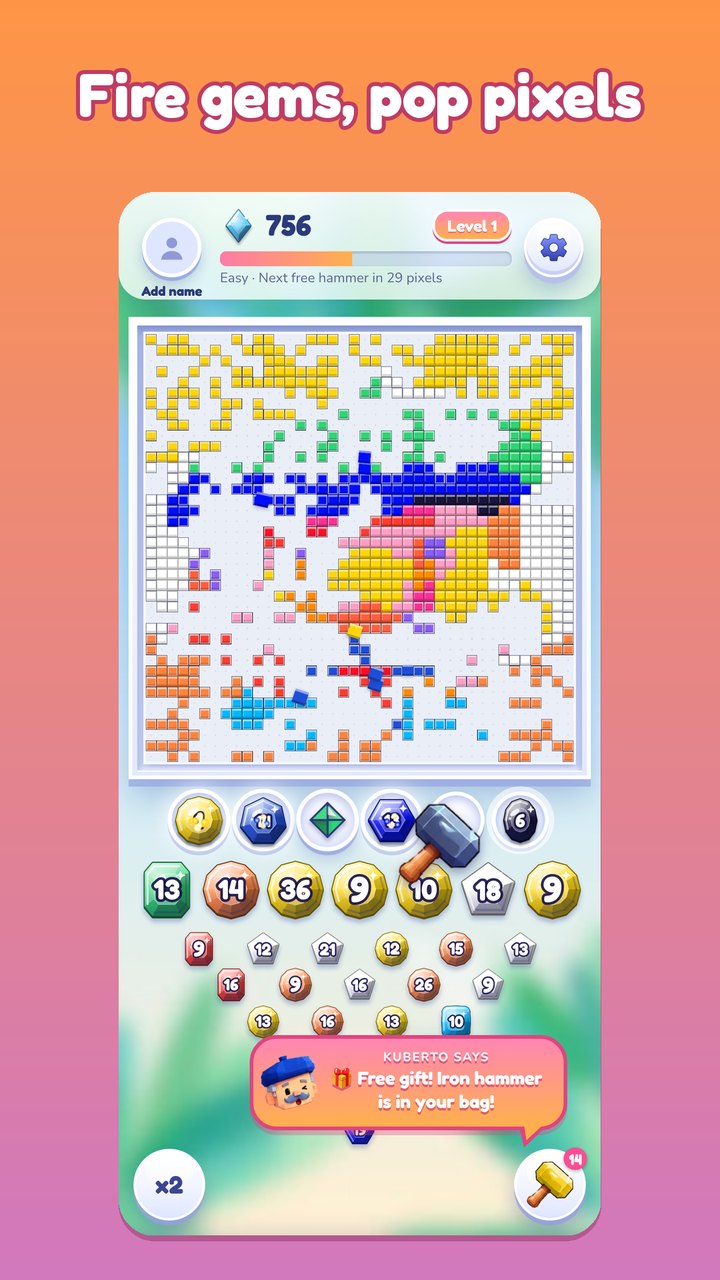
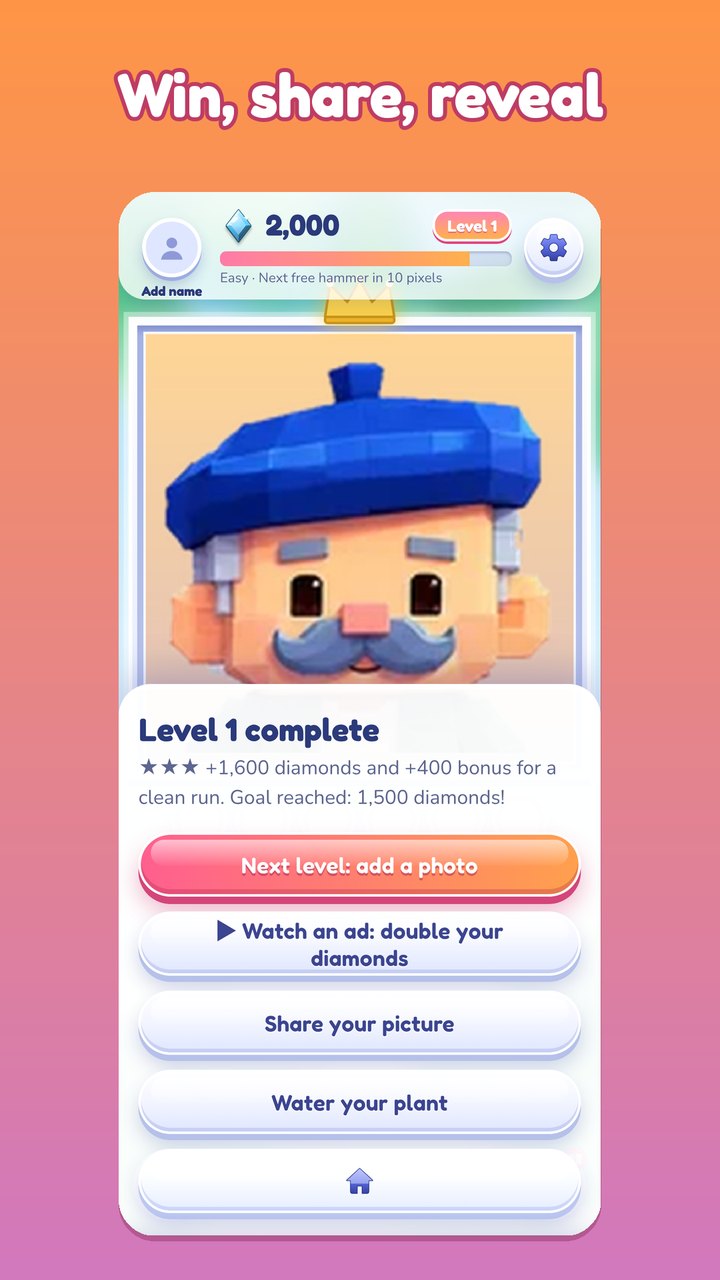
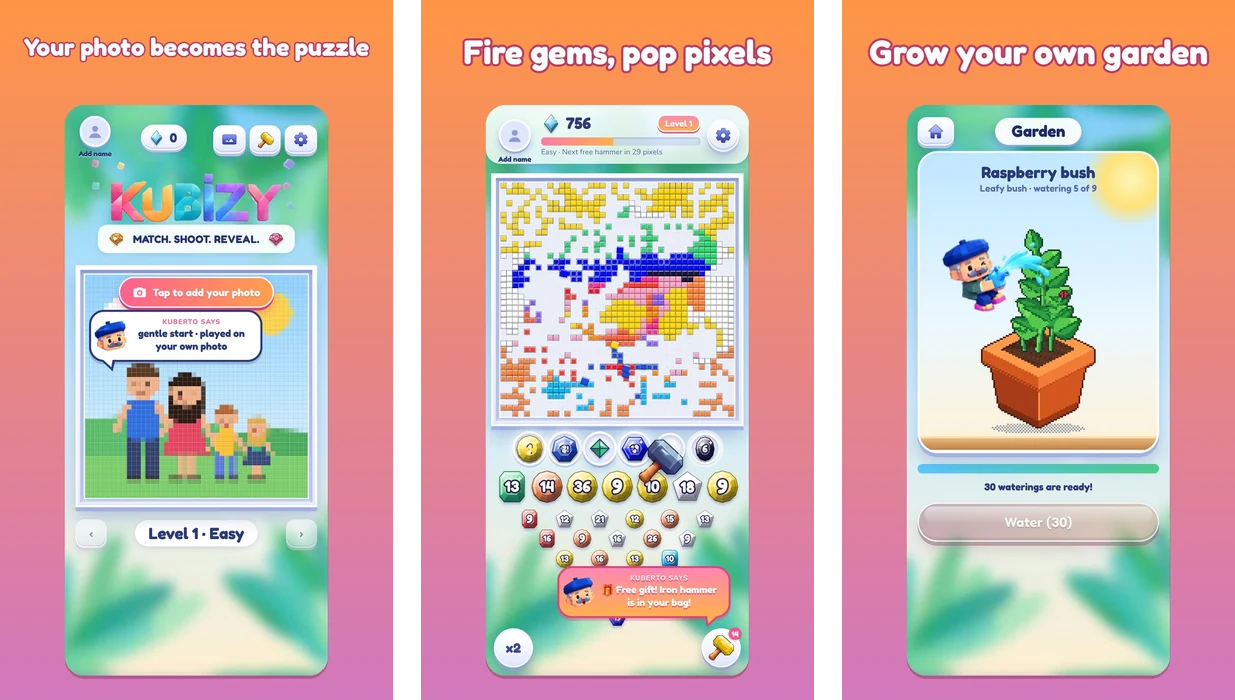
KUBIZY is a relaxing photo puzzle. The player picks any picture from the gallery or takes a new one, and it becomes a colorful pixel art board. The player chooses a gem and sends it to a firing slot, and the gem pulls every pixel of its color off the picture along a rail until the photo is fully revealed.
How does the player shape the game?
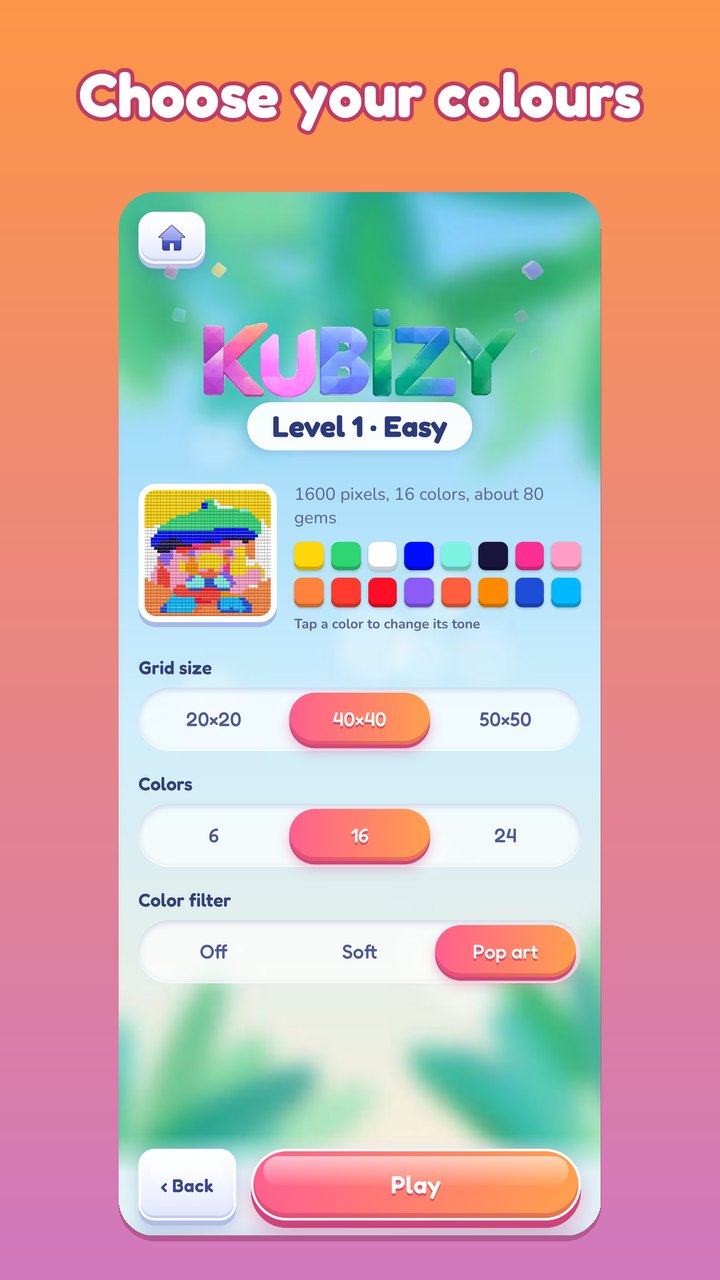
The player sets the style: a 20 by 20, 40 by 40 or 50 by 50 grid, 6, 16 or 24 colors, and a pop-art color filter. Chests, combos and nine hammers, each with its own power, keep the puzzle varied, and Kuberto, a little pixel gardener, guides the way.
What brings players back?
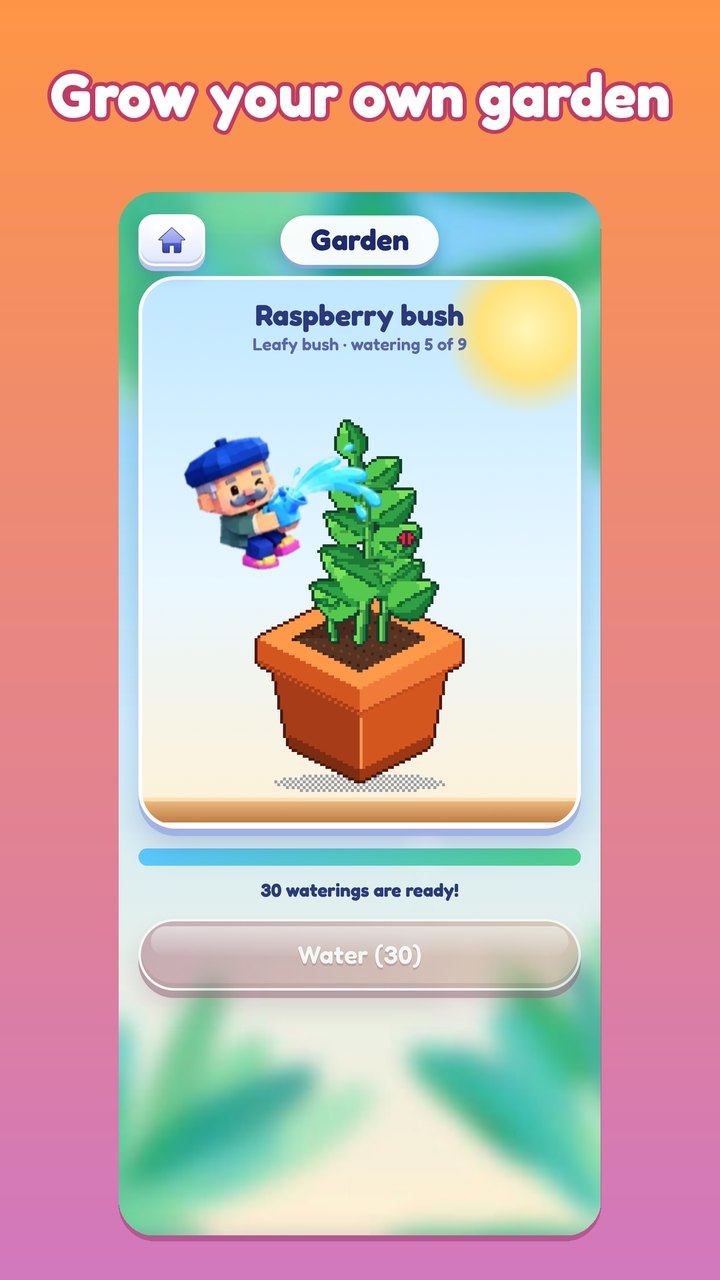
Diamonds earned in play water a pixel garden, where a raspberry bush and a banana tree grow through ten stages with butterflies and ladybugs. Every finished picture is saved to an album as pixel art and can be shared in one tap. There is no account, and the original photo stays on the device.